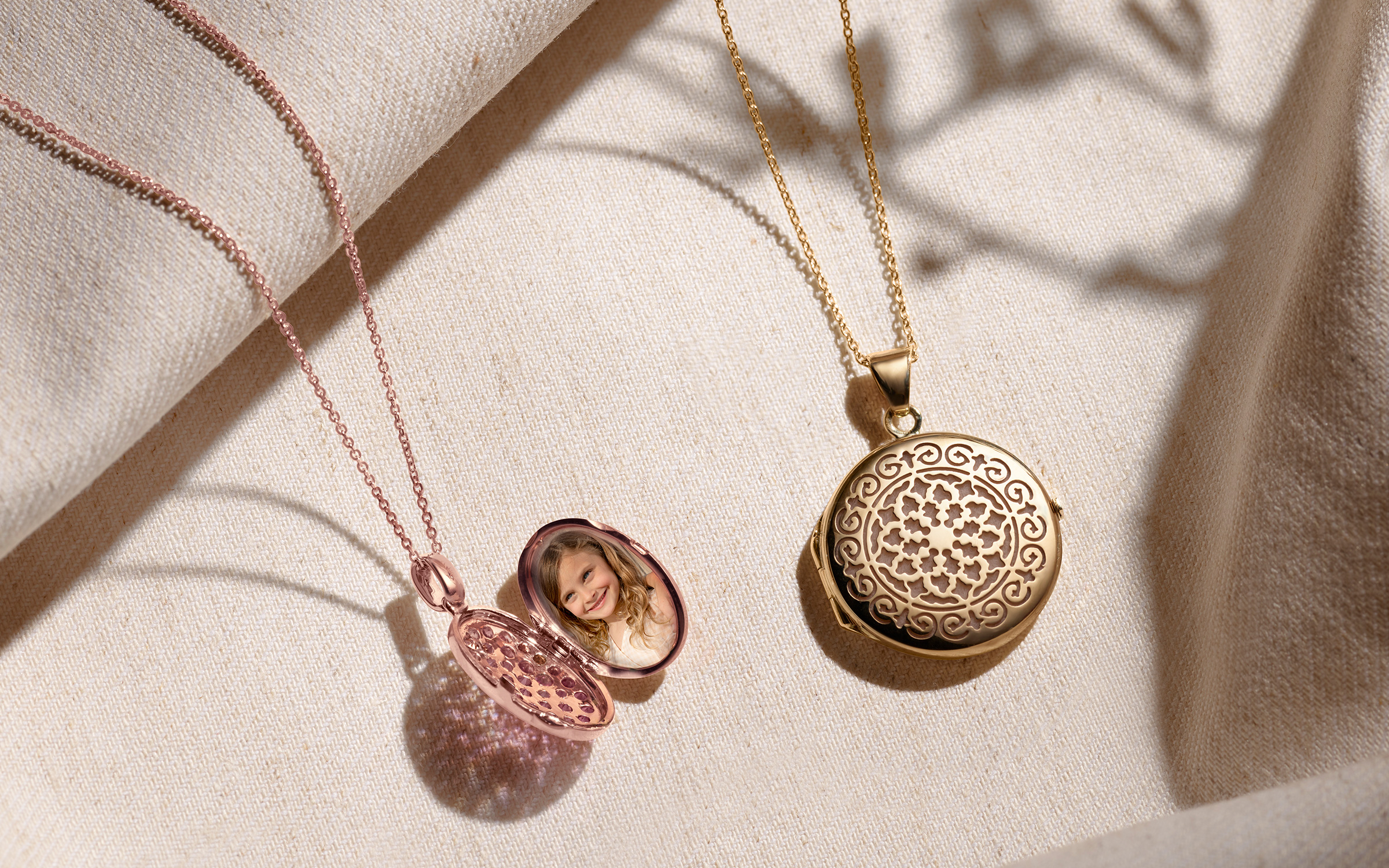
Thinking about gifting a loved one a locket, but not sure how to personalize it with the right image? The truth is, it’s pretty easy to print locket-sized photos — you just need a little instruction first. Lockets are one of the many lovely necklaces you can choose to show a loved one how much you care.
Pro Tip: If you have one of our beautiful lockets, or are going to purchase one, we’ve teamed up with OddPrints to help you create the perfect keepsake. As easy as selecting the locket in their photo tool and skip the dimensions step.
Most lockets have a designated photo area surrounded by a frame of some kind. For best results, try to measure this space using a ruler or measuring tape to the closest millimeter. It doesn’t have to be perfect — you can always resize your image if it’s not quite right, but the closer you are, the easier it will be to fit your photo in the frame. You can also visit the product page for your locket on ShaneCo.com and find the measured size there, or chat in with one of our jewelry consultants, who will be happy to help.
Tip: Always round up when making measurements, as it’s a lot easier to trim your photo down a little than to size it up.
You have two options for how you can print the image for your locket.
Use an at-home printer to print your image in black and white or color, depending on the look you desire. We recommend using a nice, high-gloss paper to better emulate the texture of a traditional photo, but feel free to experiment with photo types! If you don’t have a printer at home, you can also email the image file to a local photo-printing service store, or use a picture-delivery service to digitally send in your photo and have the completed prints mailed to you.
After cutting out the photo, you can adjust the size by clipping away edges until it fits snugly in the frame of the locket. If you’re not using an at-home printer, it’s usually a good bet to order a few slightly altered sizes of the photo, just in case your measurements aren’t totally spot-on. Once you have the photo sized to your liking, fit it into the locket for a personalized gift!
Ready to get started? Check out Shane Co.’s entire selection of high-quality lockets on our website, or chat with us online to speak with a member of our dedicated, non-commissioned sales team.
Editor’s Note: This post was originally published April 2021 and has been updated for accuracy and comprehensiveness.
This post was last modified on January 10, 2025 10:40 am
If you’ve decided to propose to the love of your life, congratulations! But now the…
From choosing the perfect wedding bands to finding the right vendors, planning your dream wedding…
Planning a proposal this year? We’re so excited for you! Getting engaged is a huge…
The sun is out and it’s time to pack your bags (and your jewelry box)…
Add some sparkle to your everyday look — because you deserve a little luxury, all…
Make your jewelry one of a kind with an engraving. Get your jewelry engraved with…