Does this sound familiar? You’re doing some online shopping and find yourself endlessly scrolling through pages and pages of jewelry. Suddenly, a piece stops you in your tracks and you wish you could try it on before you buy.
If only there was a way to virtually try on your favorite jewelry from your couch…
Well, there is! In an effort to make your online experience as enjoyable as being in one of our stores, we have designed an exciting feature on ShaneCo.com: Virtual Try-On! You can virtually try on engagement rings, wedding bands, and fine jewelry. Browse our entire jewelry collection and try on what catches your eye!
The virtual ring try-on tool allows you to virtually see how any Shane Co. engagement ring will look on your hand before making the final decision to purchase. This technology makes it easier than ever to find the perfect engagement ring while shopping at home!
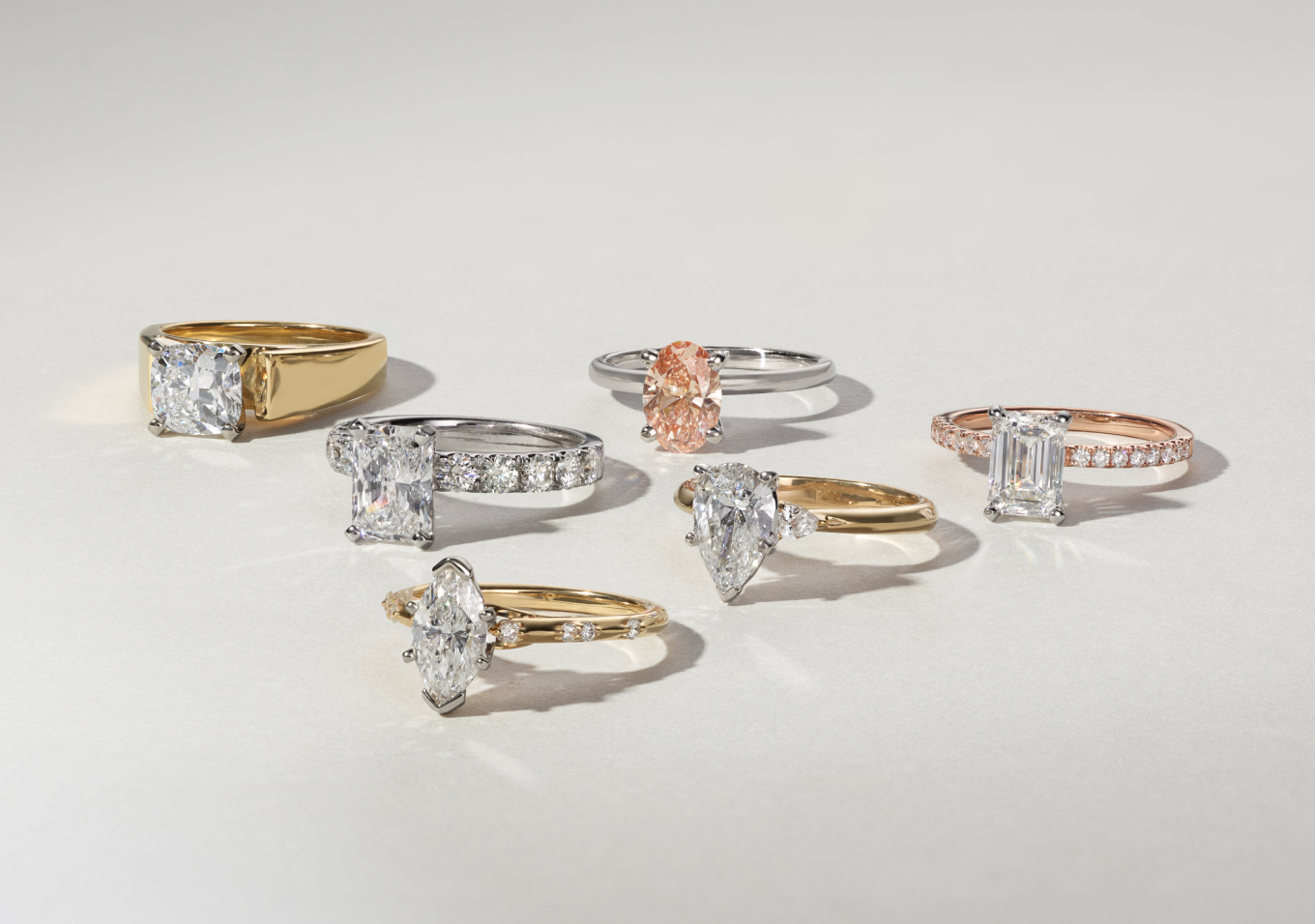
The Shane Co. virtual engagement ring try-on tool is incredibly easy to use! All you have to do is tap the Virtual Try-On feature on the product page for any engagement ring and you’ll be prompted to follow a simple set of instructions. You can accurately see what your favorite ring settings look like on your finger, including our wide selection of hand-picked natural and lab-grown diamonds and a variety of gemstones, including rubies, sapphires, and even aquamarine, morganite, and amethyst. Just remember, our Virtual Try-On tool only works when you use your phone.
Yes! You can virtually try on necklaces, earrings, bracelets, and rings using Shane Co.’s Virtual Try-On tool. You can even try on men’s jewelry!
Step 1: Choose one of your favorite pieces.
Step 2: Tap the “Try It On” button.
Step 3: Take or upload a photo of your hand, ear, neck, or wrist.
Step 4: If trying on engagement rings, now’s the time to customize your ring by choosing a different stone, shape, and carat size!
Step 5: Press the “Save” button to save the image on your phone for inspo later and share it with your friends — or even your S/O.
At Shane Co., we’re always trying to innovate so that our customers have the best experience possible, whether that experience is in person at one of our stores or virtually on our website. Just another reason why we’re your friend & jeweler.
Editor’s Note: This post was originally published October 2020 and has been updated for accuracy and comprehensiveness.
This post was last modified on September 11, 2024 11:22 am
If you’ve decided to propose to the love of your life, congratulations! But now the…
From choosing the perfect wedding bands to finding the right vendors, planning your dream wedding…
Planning a proposal this year? We’re so excited for you! Getting engaged is a huge…
The sun is out and it’s time to pack your bags (and your jewelry box)…
Add some sparkle to your everyday look — because you deserve a little luxury, all…
Make your jewelry one of a kind with an engraving. Get your jewelry engraved with…